Drag Chain
A downloadable Drag Chain
Hello,
Thanks for trying my Drag Chain system for RPG Maker MZ.
This plugin was created with AI assistance, but it is very nuanced and dynamic. Hopefully, though, it’s user friendly and plug-and-play.
Once you’ve loaded the plugin into your project, you can set parameters for how you want the system to work in general, but several of these can be overridden with plugin commands for individual events.
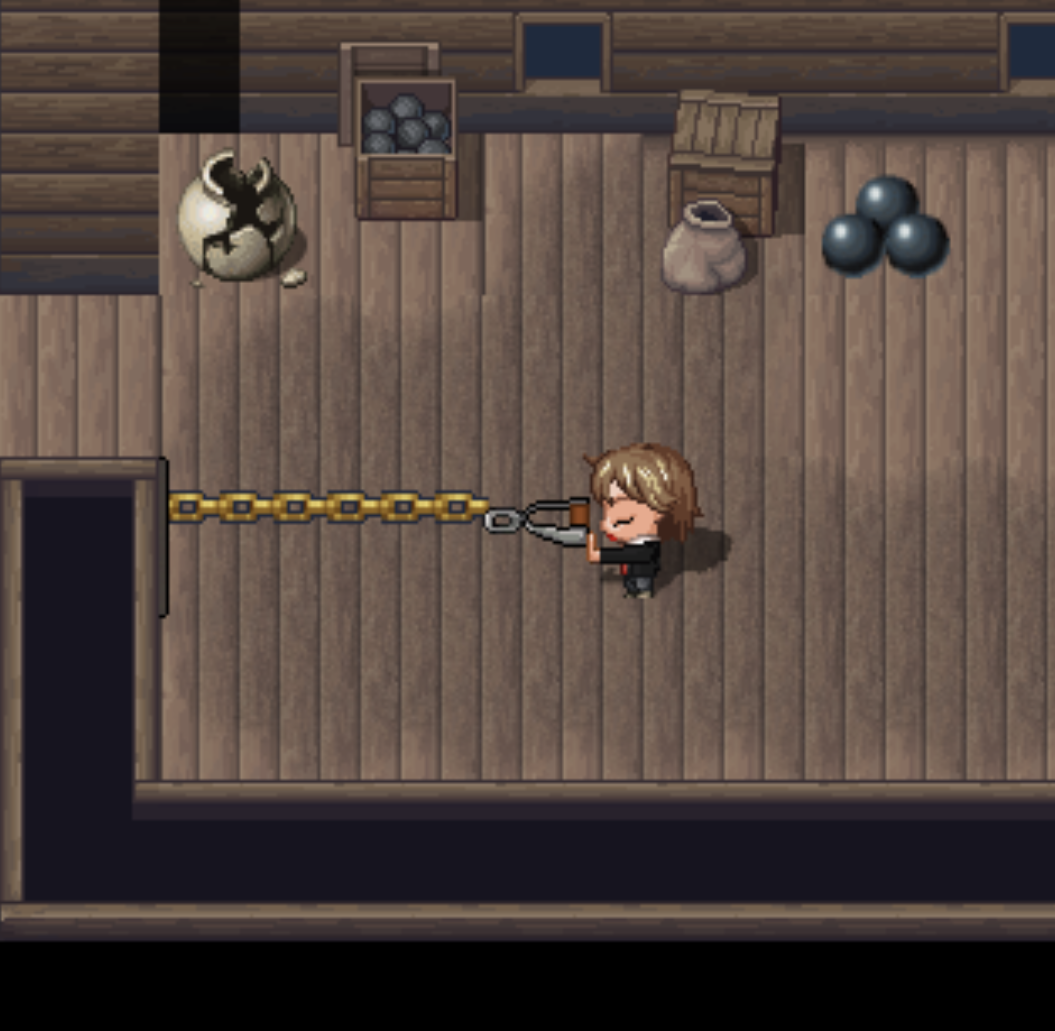
With Persist, you can build fences to keep NPCs or enemies hemmed in, even after you change maps! Moveable hitches with by-map variable tracking of latches allow you to create puzzles!
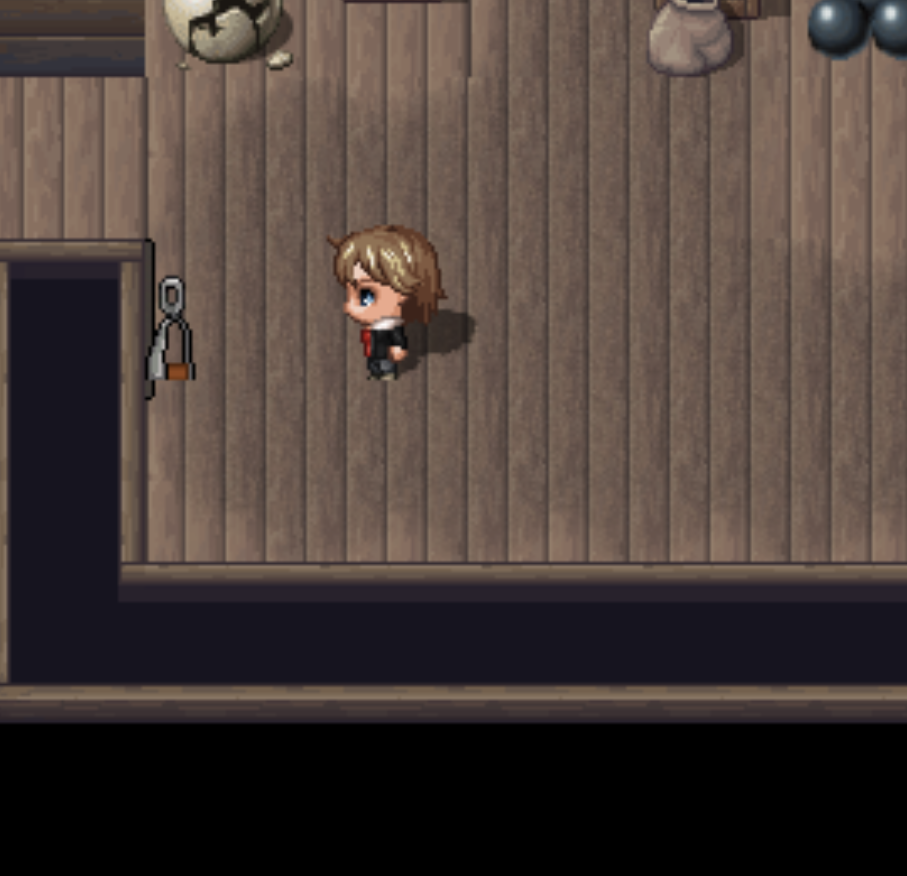
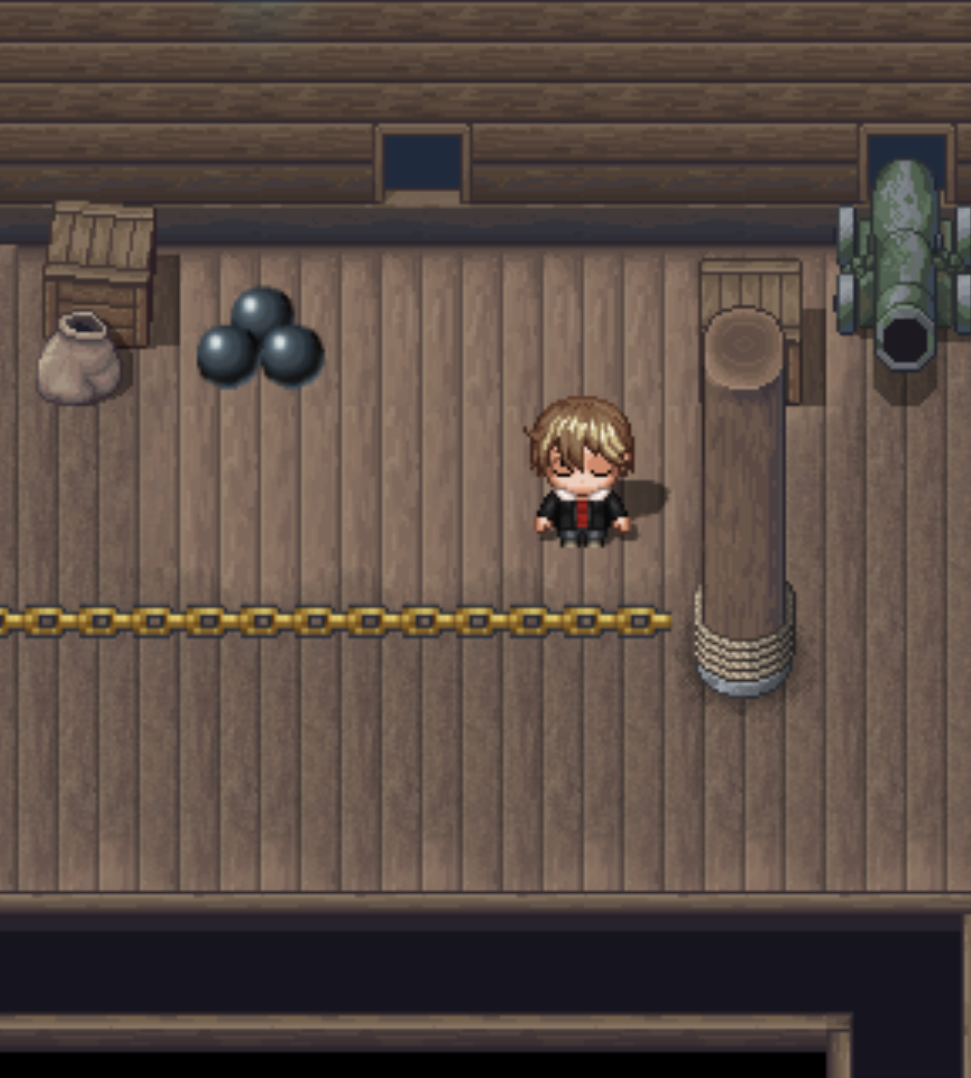
The handle sprite sheet just need stored in your img/characters file like normal, and you can add whatever you like to create different visuals. You’re not stuck with just one set of images! The bases and chain links (16x16px) should be stored in img/pictures, but can also be changed to whatever you want with as many different versions as you care to create!
Recoil: This is governed by JM_Pushable, so pay attention to how you build those settings in the plugin parameters there. If selected, recoiling objects can be caught on their way back to base and pull resumed. Optional settings for damage to force a player to drop the handle or keep on going.
TERMS
This plugin is free for use in commercial and non-commercial projects so long as the content isn’t illegal. Please do not make minor adjustments and release the plugin in your own name. Credit (and game this system was used in) are always appreciated! Please credit Justin Mills and link back to my itch.io page.
INSTRUCTIONS
Install & order — Put JM_DragChain under JM_Pushable (or whatever provides your push/pull “latched” state), then enable it in Plugin Manager.
Make a DragChain “handle” event — Create an event that the player will pull on (the thing JM_Pushable latches to). Set its Character Image to your handle sheet (default is the plugin’s “Handle Character Sheet”), and set the event’s starting index to your “loose” frame.
Tell DragChain which way the handle pulls — Do one of these:
- Comment tag method — On the handle’s active page, add one direction tag: <DragChainUp>, <DragChainDown>, <DragChainLeft>, or <DragChainRight>.
- Plugin command method — Run Configure Drag Chain for that handle (Target Event Id = 0 for “this event”), and set Handle Direction (2/4/6/8), plus any overrides you want.
Set your chain visuals — In plugin Parameters, set:
- Base images (Up/Down/Left/Right)
- Chain link images (Horizontal/Vertical)
- Optional global offsets, segment width/height, and Max Chain Length (tiles)
Optional per-handle overrides (Configure Drag Chain) — Use it when you need a specific handle to differ from the defaults (custom base/link images, base tile location, per-handle offsets, max length, collision override, start/stop hooks, etc.).
Hitches (attach the pulled handle to a wall “hook” event) — On the hitch event, run:
- Latch Hitch — Latches the currently pulled handle onto that hitch (can play an SE, fire switches/common events/script, choose Attach Mode, and optionally Persist Latch).
- A self switch can change the image while latched to show the unlatch handle, if wanted.
- Latch Hitch (Auto) — Same idea, but only latches when the pulled handle is adjacent to the hitch.
Region-based auto-hitch helper — Set a Hitch Region Id parameter, paint that region on the tile(s) you want as the “auto-hitch zone,” and when the player is actively pulling a handle while standing on that region, the plugin will try to find a valid hitch in line and auto-latch it.
JM_DragChain
Detaching — Use:
- Detach Hitch (by Hitch Event Id, or affect all / specify a Chain Event Id)
- Detach Facing Hitch (detaches the hitch the player is facing; can also affect all / specify a chain)
- Emergency/reset tools: Detach Chain By Id, Detach All On Map, Detach All Global, and Clear Persistent Latches
Collision / followers / tracking / debug — If you enabled them in parameters:
- Chain Collision Mode can block crossing the chain line.
- Map Chain Count Variables can track how many chains are latched on each map.
- Common Event On Any Hitch / Unhitch fires globally.
- Debug Logging writes a text log file for latch/detach/restore behavior.
NOTE:
This plugin is compatible with Phoenix Kage Desu’s AnimaX, which I highly recommend to provide additional animation to show the character sprite latched onto an object. Balloon/Icon Overlays work out of the box, as does the snug system.
For pushable hitches, I also recommend using JM_MoveableRegions so the latch regions follow along with wherever the hitch gets pushed to.
I will do my best to support the plugin to address bugs, but compatibility issues with other plugins (pixel movement, MZ3D, VisuStella, etc.) will be on a case-by-case basis and predicated largely on whether I have a copy of that system already to reference against.
span class="Apple-converted-space">
Download
Click download now to get access to the following files:
Comments
Log in with itch.io to leave a comment.
There is no download for the Plugin?
I'm not sure what happened, but all of my downloads were removed. I'm looking into it.
It's back up now. I apologize for the inconvenience, but thank you for calling it to my attention.
Thank you, I just downloaded it, I'm going to give it a try.